

Inspector.aero
Inspector.aero supports the work of capturing and organizing evidence during inspections. Photographs, annotations and findings provide the information that technical teams need to document and follow up their observations.
The product is presented here in the context of ADD Aviation’s experience with aircraft and technical inspection work.
Inspection evidence in context
Photographs
Photographic evidence records what has been observed during an inspection. Inspector.aero provides a context for capturing and organizing that material.
Annotations & findings
Annotations and findings add technical context to the evidence collected. The platform helps organize this inspection information.
Evidence follow-up
Organized inspection evidence supports subsequent review and follow-up. Photographs, annotations and findings provide context for the observations recorded during the work.
Inside the mobile app
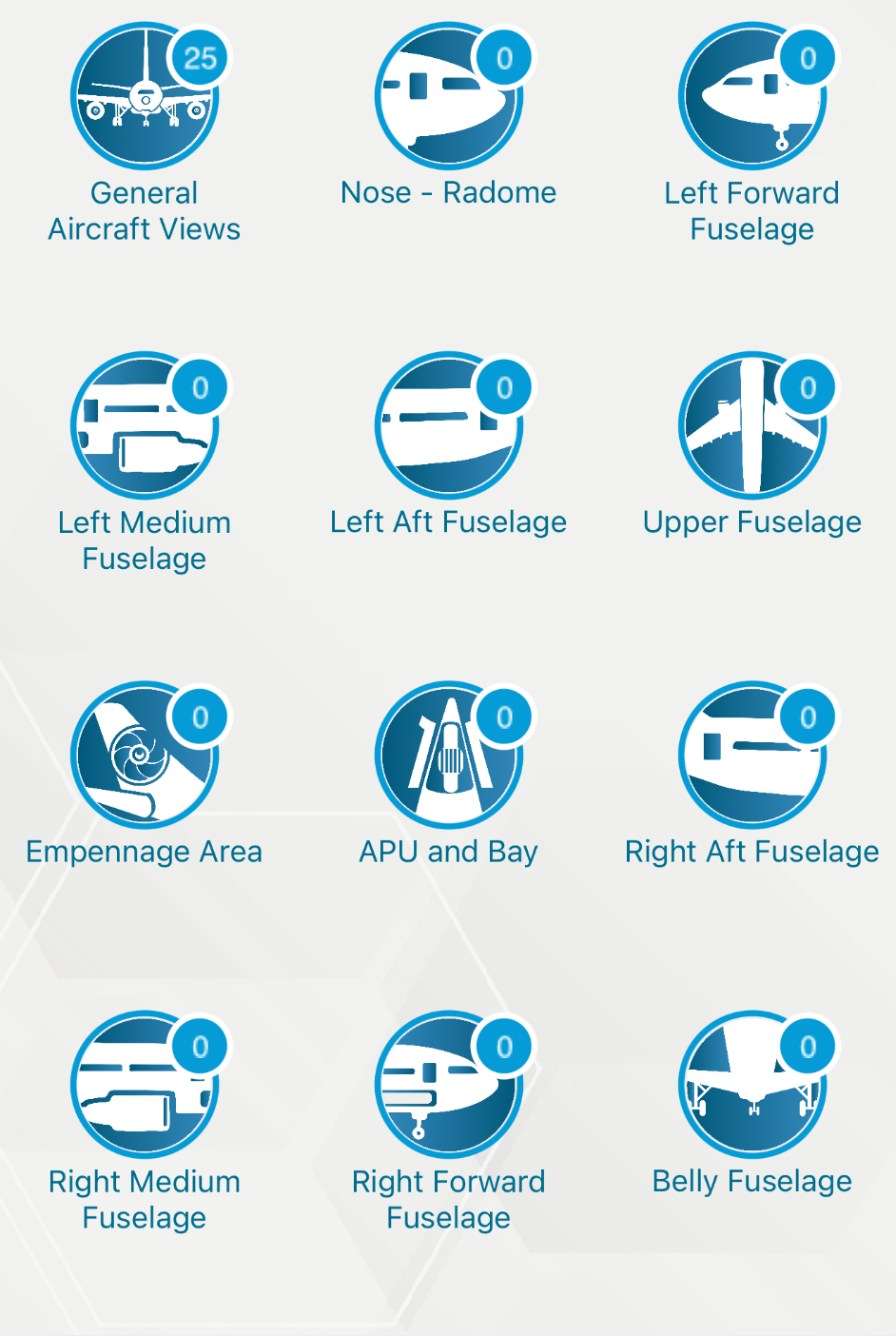
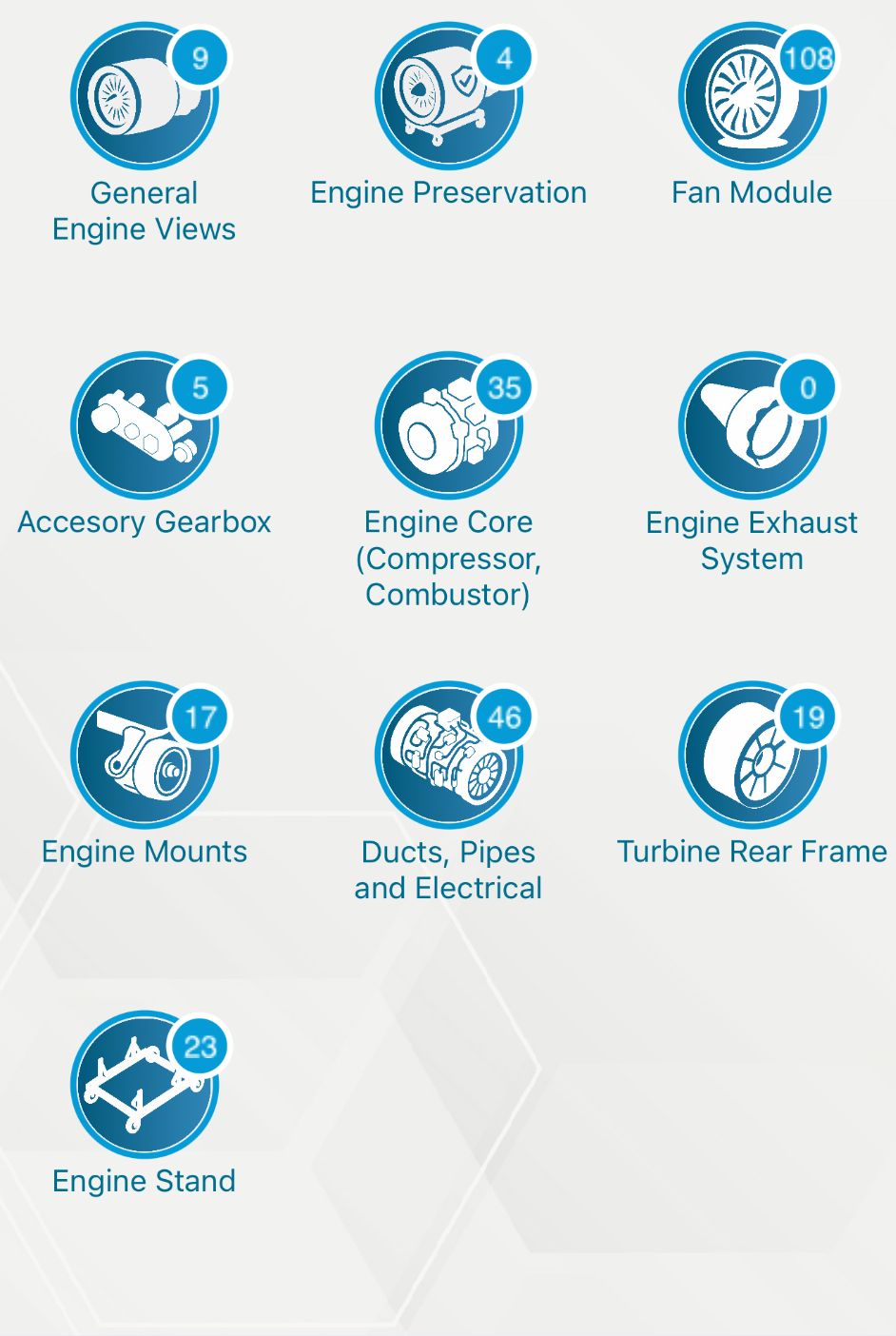
These mobile app screens show inspection categories for aircraft and engines, with labelled icons and numerical indicators.
Related inspection work
Aircraft inspections may be required for reception, redelivery preparation, pre-purchase assessment or periodic condition review. The Technical Services page explains the work identified within ADD’s inspection and assessment family.
The scope of an inspection and the use of any supporting tool are defined for each assignment.
Product information
Visit the specialized Inspector.aero website for information about the product.
Existing user access
Open the existing Inspector.aero site to use its sign-in option. Access and account administration remain within that environment.